Log a meal in seconds
- Snap a photo — AI identifies the food and estimates the portion
- Scan a barcode or search a verified nutrition database
- Save favourites and re-log any meal with one tap
- Water and weight tracking built in
For iPhone and Apple Watch
Your targets come from published research, not an AI guess. Log a meal in seconds, train on a plan that adapts, and watch your real trend emerge.
iPhone · Apple Watch · Widgets — no account needed

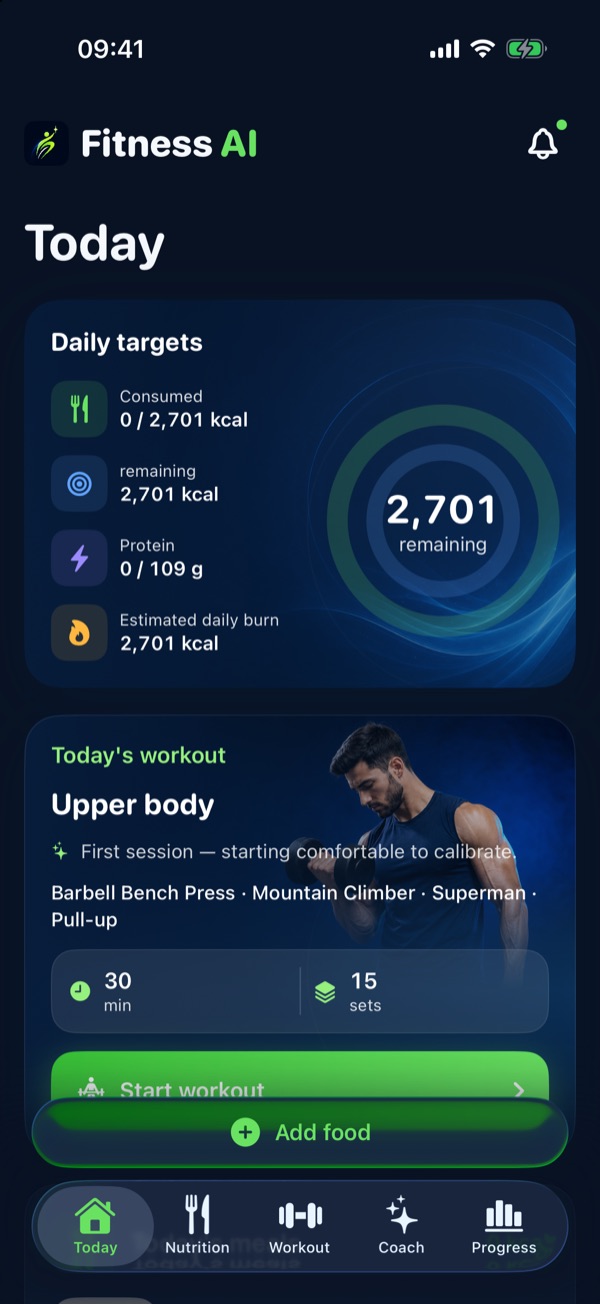
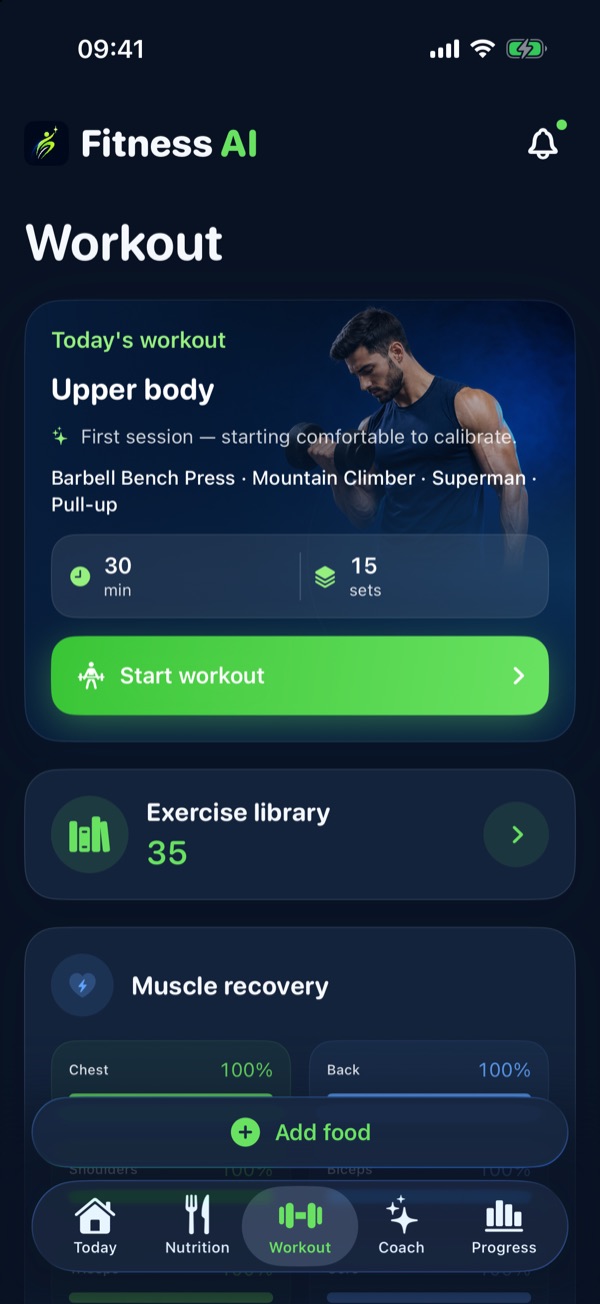
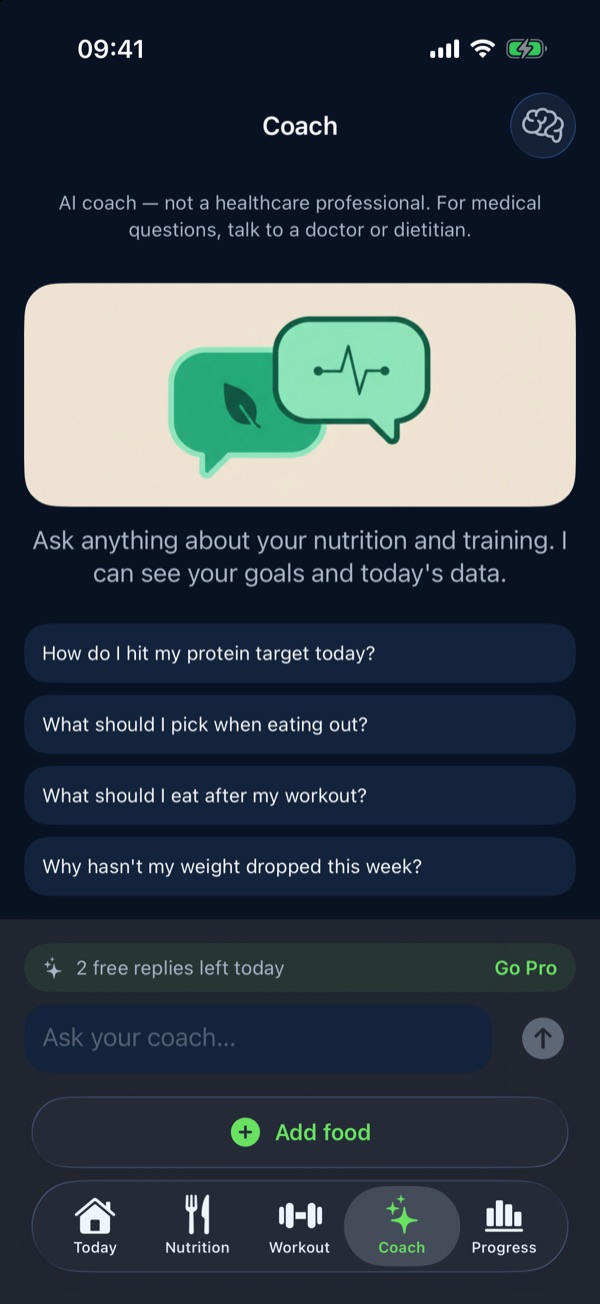
Your calorie, macro and water targets are calculated on your device from published equations. The AI only explains them — it never invents them.
Adaptive, not static: after ten logged days and a few weigh-ins, the formula is replaced by your own measured energy balance — your intake against your weight trend. Full citations with links are in the app under Profile.
Fitness AI uses AI for three things: the coach chat, logging a meal from a photo or a description, and the recipe builder. Before you talk to the coach for the first time, the app shows exactly what will be shared and asks for your consent.
AI answers can be wrong. They are suggestions, not medical advice — check portions and nutrition values before you rely on them. See what is shared and with whom.
Evidence-based guides on calories, macros, training and recovery. Start with these. All guides →
How to estimate your daily calorie needs: BMR with the Mifflin-St Jeor equation, activity levels, TDEE, worked examples and how to adjust with real data.
Read the guide · 5 min readStrength training for beginners: movement patterns, sets, reps, effort, progressive overload, rest times, a sample session and safe training.
Read the guide · 4 min readHow Fitness AI calculates calorie, protein, carb, fat, fiber and water targets on your device from published equations, and how it adapts to your real data.
Read the guide · 3 min readA practical first-week guide to Fitness AI: profile, meal logging, training plan, AI coach, Apple Health, Apple Watch, widgets and Free versus Pro.
Read the guide · 4 min readNo. Fitness AI works without an account or sign-up. Your profile and diary are stored on your device.
Your profile, diary, workouts, habits, recipes and coach chat are stored on your iPhone and are included in your iPhone backup, so restoring a backup to a new iPhone brings them back. Deleting the app deletes this data. There is no cloud account to sync with.
AI estimates from photos and descriptions can be wrong, and portions are especially hard to judge from a picture. Always review the result before saving. The coach gives general guidance, not medical advice. Your calorie and macro targets are not generated by AI; they are calculated on your device from published equations.
Your message, the recent conversation and a summary of your plan: goal, weight, targets, today’s intake, last workout, diet preferences, allergies and any memory notes you saved. You can clear the conversation and edit, delete or switch off coach memory in the Coach tab.
Free includes manual and barcode logging, daily targets, your training plan, up to 3 habits, 2 coach replies, 1 AI photo or description log and 1 recipe per day. Pro removes these daily limits. Prices are shown in the app before you confirm and vary by region.
No. Fitness AI is not a medical device and does not diagnose, treat, cure or prevent any condition. Consult a doctor or registered dietitian before significant changes to diet or training, especially if you are pregnant, under 18, have a medical condition or a history of eating disorders.
| Feature | Free | Pro |
|---|---|---|
| Manual and barcode logging, daily targets | Included | Included |
| Training plan, recovery map, exercise videos | Included | Included |
| AI photo / description logging | 1 per day | Unlimited |
| AI coach replies | 2 per day | Unlimited |
| Smart recipe builder | 1 per day | Unlimited |
| Habits | Up to 3 | Unlimited |
Pro is available as a monthly or yearly auto-renewing subscription; the yearly plan may start with a free trial where offered. Prices are shown in the app before you confirm and vary by region. Payment is charged to your Apple Account; manage or cancel any time in your Apple Account settings.
Fitness AI is not a medical device. It does not diagnose, treat, cure or prevent any condition. Consult a doctor or registered dietitian before making significant changes to your diet or training, especially if you are pregnant, have a medical condition or have a history of eating disorders.