
Scores, stats & AI analysis
Baseball.One pitch ahead.
Follow every inning, see how teams match up, and get the context behind the score with AI-powered game analysis.
For iPhone, iPad & Apple Watch
Follow every inning.
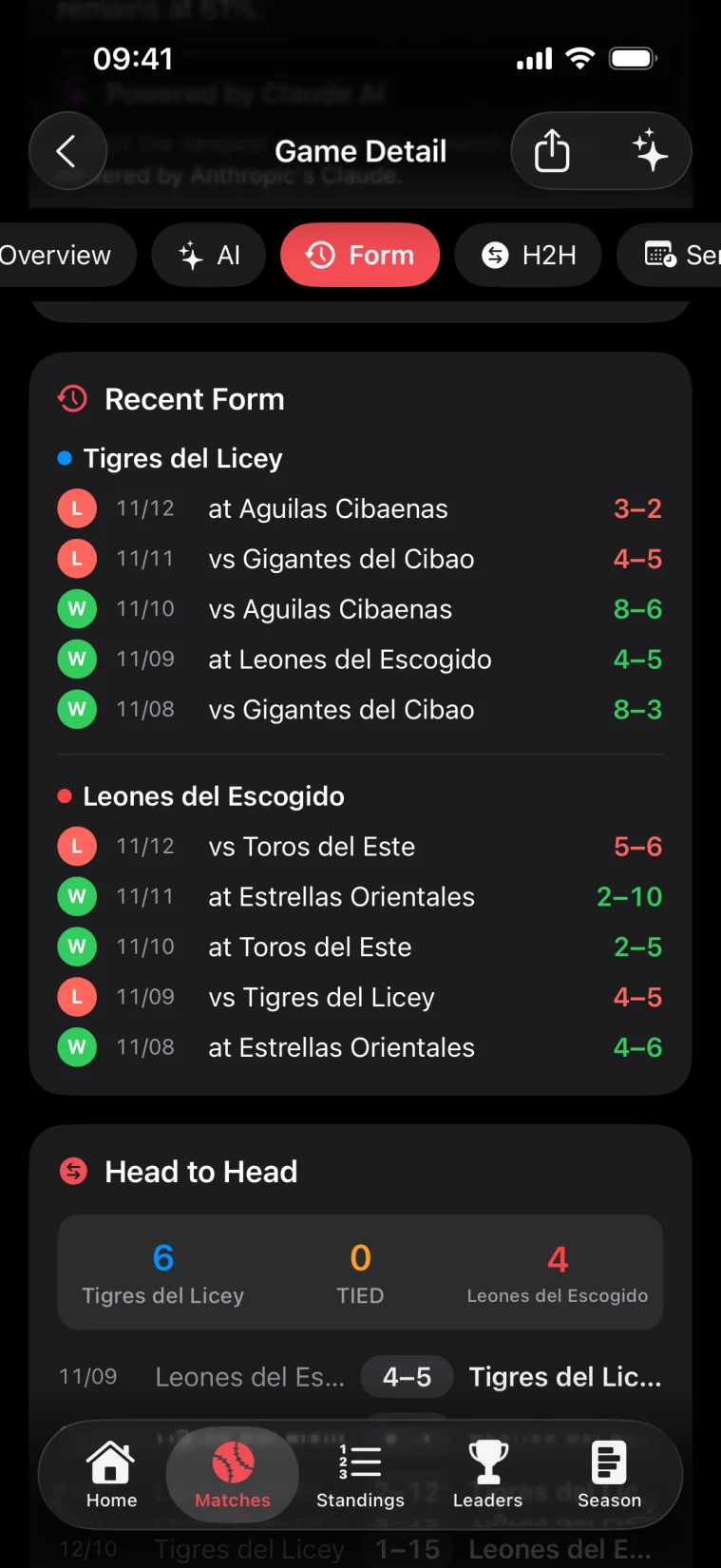
Compare recent game results in a matchup, or open Games for live scores and upcoming fixtures.
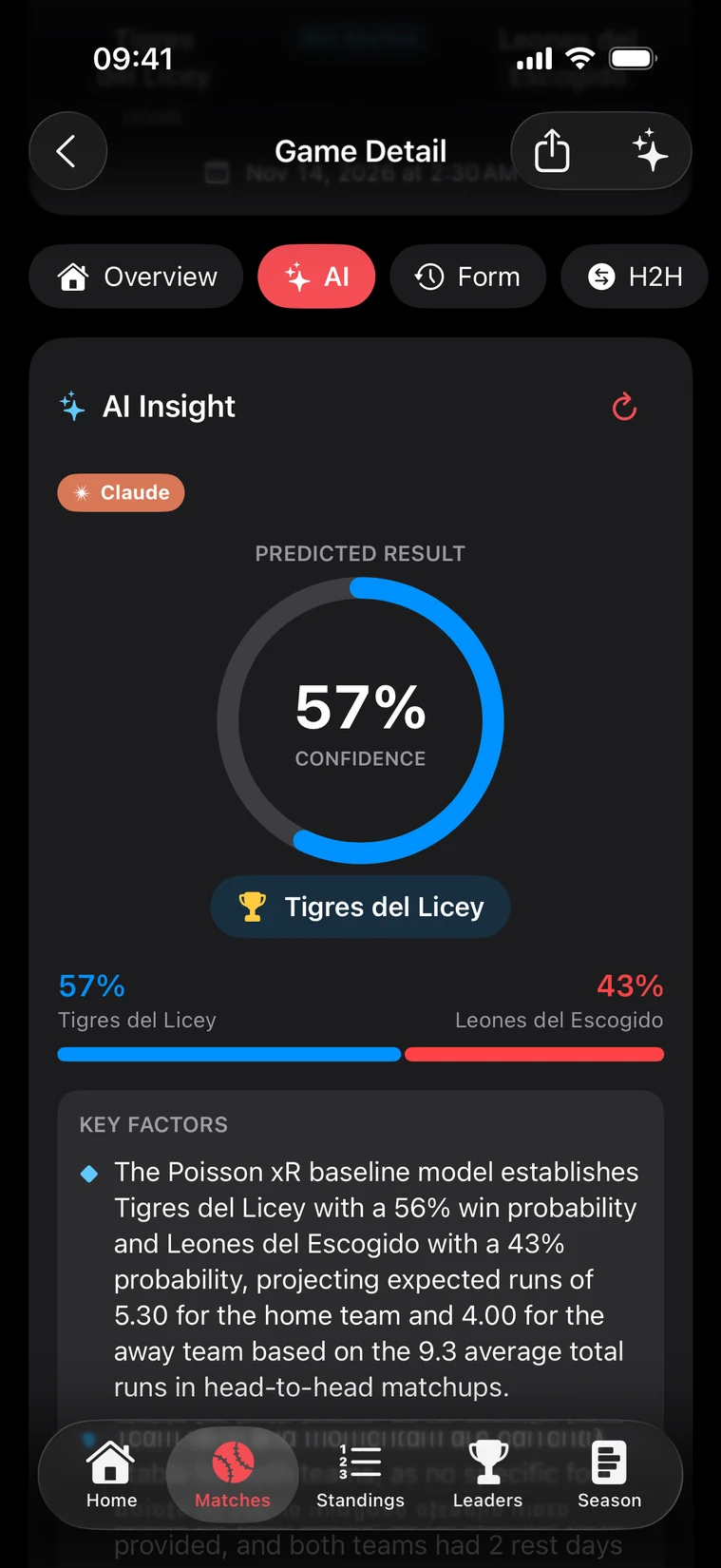
Get the story behind the score.
Explore recent form, head-to-head results and probable pitchers. AI game insights add context before and after the game.
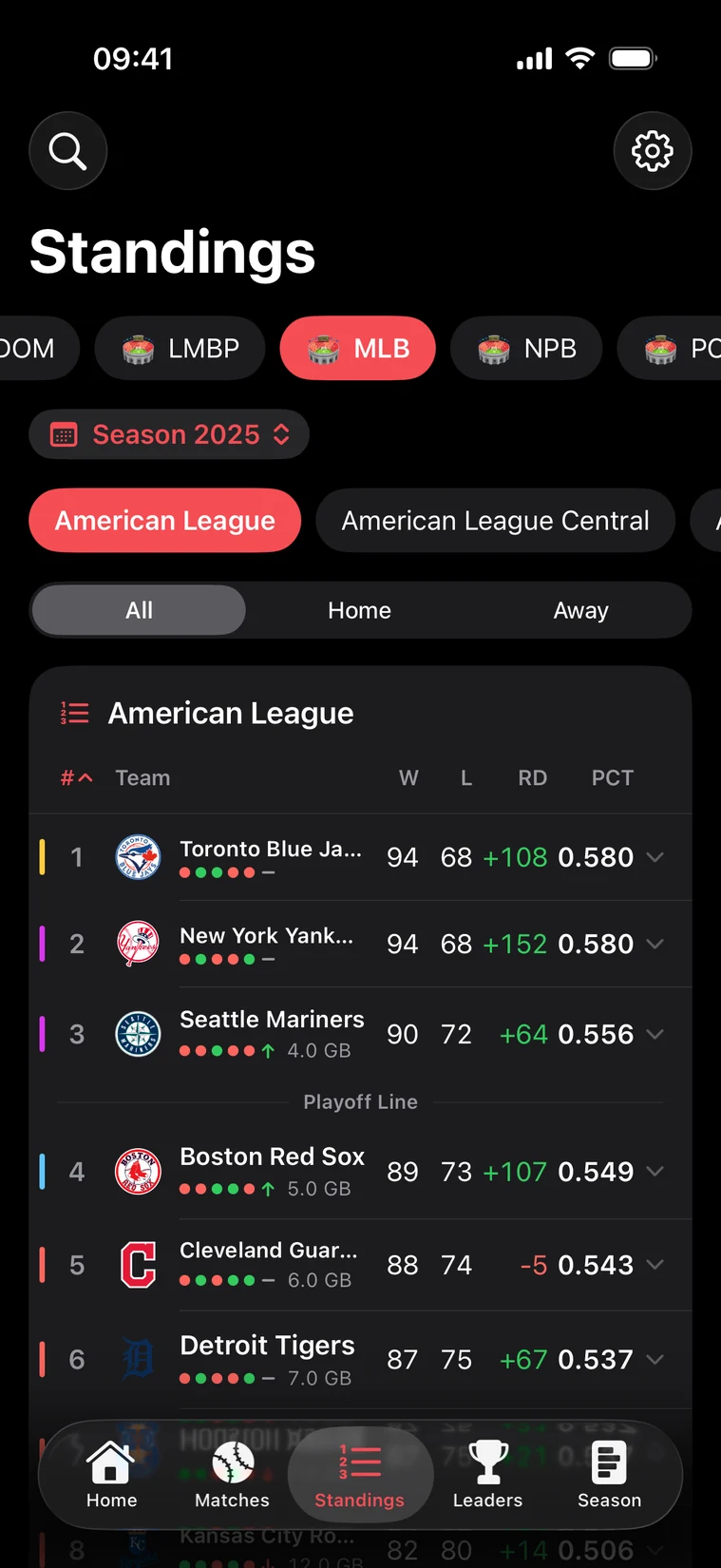
See where your team stands.
Check league tables and compare team and player statistics as the season unfolds.
Everything in Baseball AI
Games and live scores
See upcoming games, live scores and final results. Switch between Live, Upcoming and Results, and browse by date and league.
Favorites and alerts
Favorite teams and choose alerts for first pitch, scoring plays, inning changes and final scores.
AI game analysis
Explore recent form, head-to-head results and probable pitchers, with AI game insights before and after the game.
Ask AI
Ask a question about a game and get an answer based on the game’s context.
Standings and statistics
Check league tables and compare team and player statistics as the season unfolds.
Apple Watch, widgets and Live Activities
A watch companion, widgets, and Live Activities for supported games keep the score close.
How the AI analysis works
The analysis looks at the matchup, public game and player statistics, lineups, injuries, past results and live scores. You choose whether cloud predictions run: turn them off in Settings and basic rule-based predictions remain. AI output can contain errors, so check the game data for anything important.
Your data stays in your hands
You can use Baseball AI without creating an account. Favorites, notification preferences and cached game data are stored on your device, and you can clear the cache in Settings.
Baseball guides
New to the sport or want to read the numbers better? Start with these guides. All guides →
How Baseball AI Game Analysis Works
How Baseball AI’s game analysis works: what data goes in, cloud and rule-based predictions, Ask AI, Premium, privacy controls and the limits of AI output.
Read the guide · 3 min readHow to Read a Baseball Box Score
A plain-English guide to the baseball box score and line score: innings, R-H-E, batting lines, pitching lines, innings-pitched notation and decisions.
Read the guide · 5 min readBaseball Standings Explained: GB, PCT, Wild Card
How baseball standings work: wins, losses, winning percentage, games back, streaks, run differential, the wild card and MLB’s 12-team postseason format.
Read the guide · 4 min read
Frequently asked questions
How do I follow a team and get game alerts?
Open Games, find a game or team and use the favorite star where available. Open Settings in Baseball AI to choose alerts for first pitch, scoring plays, inning changes and final scores, and allow notifications for Baseball AI in your iPhone’s Settings.
Do I need an account?
No. You can use Baseball AI without creating a Baseball AI account. Favorites, notification preferences, your AI data-sharing choice and cached game data stay on your device.
Why don’t I see an AI analysis?
Open a game and select its AI view. Cloud analysis needs an internet connection and can depend on your AI settings, service availability and the stats available for the matchup. Premium access may be required, and AI output can contain errors.
Can I turn off cloud AI predictions?
Yes. Go to Settings → Data & Privacy → AI Predictions. Basic rule-based predictions remain available when the cloud option is off.
How do I restore or manage Premium?
Use the Apple Account that made the purchase and tap Restore Purchases in Baseball AI’s settings or on the subscription screen. To change or cancel a subscription, open iPhone Settings, tap your name and choose Subscriptions.
How do I use Baseball AI on Apple Watch?
Install Baseball AI on your paired Apple Watch from the Watch app or the App Store. If it’s missing, check that your iPhone and Apple Watch are paired, run compatible system versions, and that Baseball AI is installed on the iPhone.
See you at first pitch.
Keep the schedule, the score and the matchup in your pocket.