YK Tech

Yoga for iPhone

Make room
for yoga.

Guided yoga classes, pose videos and structured programs to build a practice that fits your day.

Download on the App StoreiOS 17+ · Subscription required
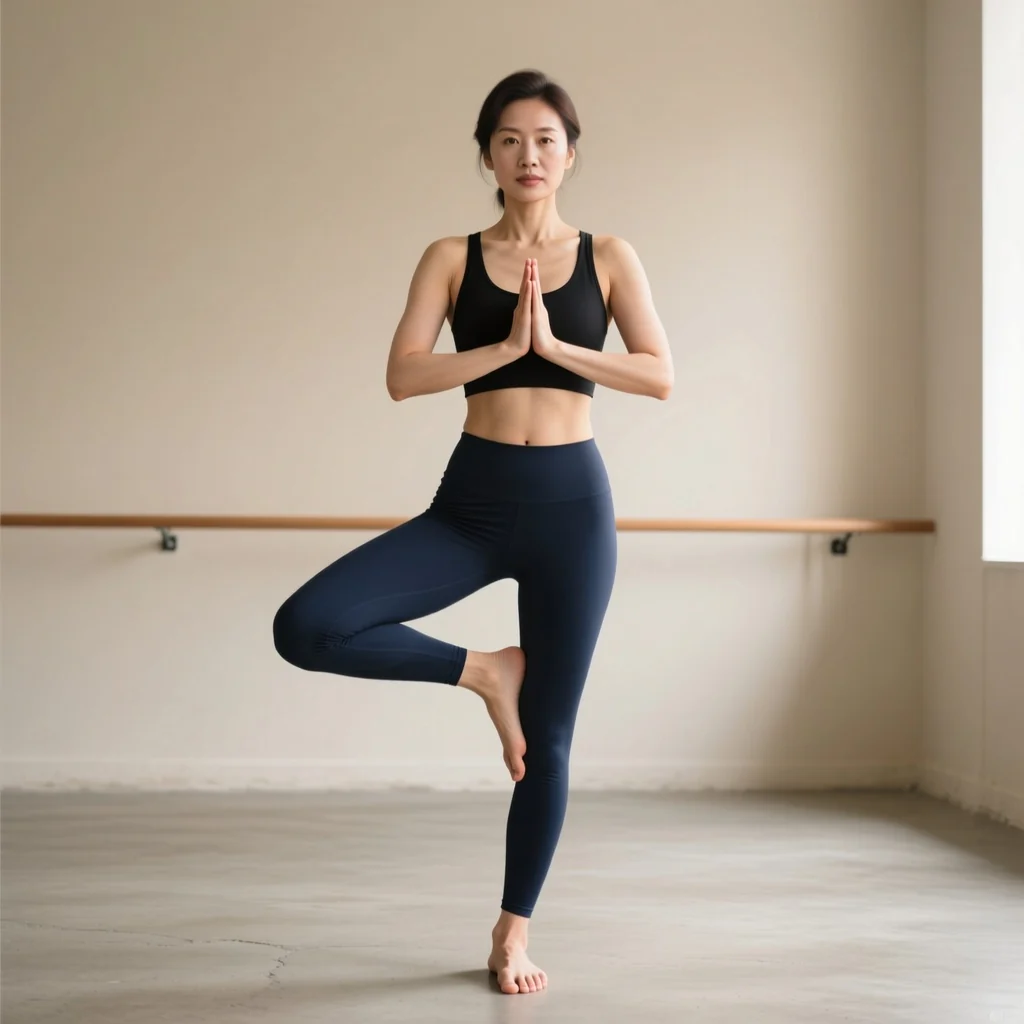
Tree Pose in a sunlit studio, from the Yoga pose library
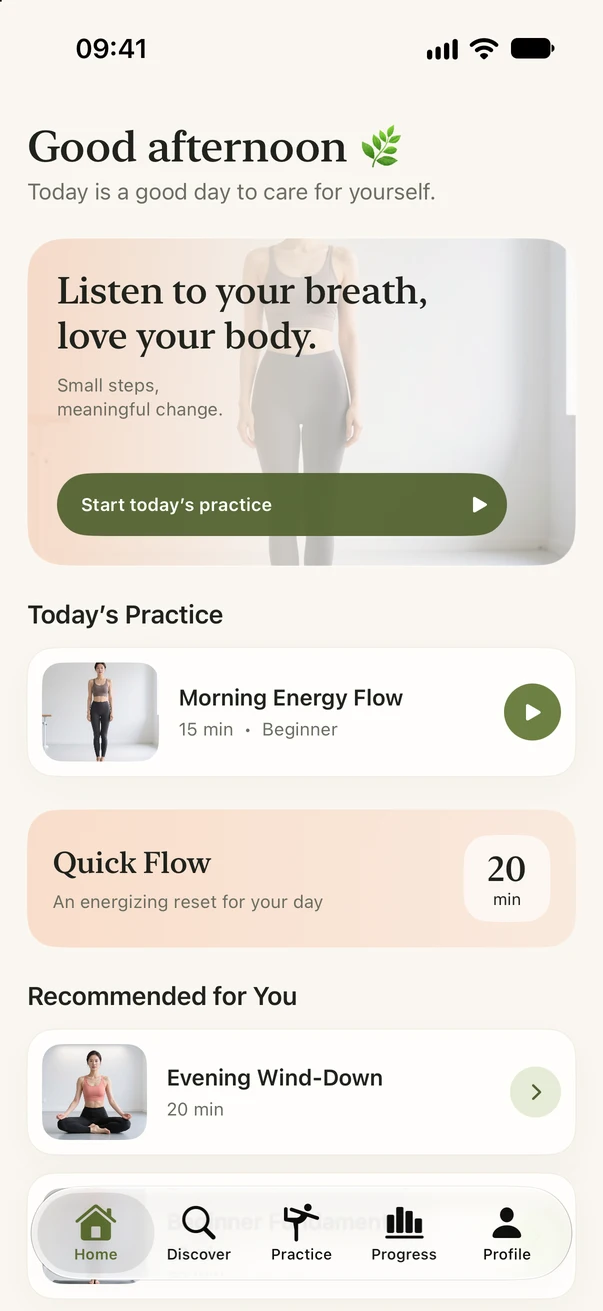
Yoga home screen with a recommended practice and guided classes
Tree PoseFrom the Yoga pose library
video-guided poses
60
guided classes
6
structured programs
2

The pose library

See how each pose moves.

Explore three demonstrations from the app. The full library includes difficulty, suggested hold times and step-by-step guidance.

Tree Pose
Yoga home screen showing recommendations and guided classes

Inside the app

Build a practice you can come back to.

Start with a single pose, follow a guided class or work through a program at your own pace.

Start with a guided class

Find a morning flow, a slower evening class or a session built around the fundamentals.

Roll out your mat, even offline.

Once you have subscription access, pose videos and guided classes can play offline. Your practice history stays in the app’s storage on your iPhone.

Download on the App Store

Yoga guides

Step-by-step pose guides, breathing, short routines and how the app works. Start with these. All guides →

Frequently asked questions

How do I restore my subscription?

Connect to the internet and make sure the App Store uses the Apple Account that originally bought the subscription. Tap Restore purchases on Yoga’s subscription screen, or go to Profile, Subscription, Restore purchases.

How do I change or cancel my subscription?

In Yoga go to Profile, Subscription, Manage subscription, or open iPhone Settings, your name, Subscriptions and select Yoga. Deleting Yoga does not cancel your subscription.

Can I practice offline?

Yoga requires iOS 17 or later and an active subscription. The pose videos and guided classes are included in the app, so they can play offline once your subscription access is available.

How do daily reminders work?

In Yoga open Profile, Daily Reminders and choose a time. If a reminder does not appear, check iPhone Settings, Notifications, Yoga and make sure Allow Notifications is on.

Where is my practice history stored?

Yoga stores practice history and favorites on your device. Your records may be available if you restore the device from a compatible Apple backup; Restore purchases restores subscription access.

How do I request a refund?

Sign in to Apple’s Report a Problem site with the Apple Account used for the purchase, choose Request a refund and select the Yoga charge. Apple decides whether a purchase is eligible.