Voice Bird guide
How Voice Bird Works: Calibrate, Fly, Score
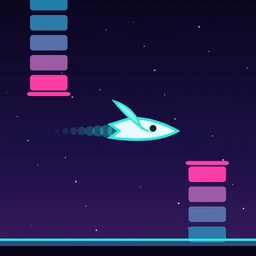
Voice Bird is a flying game controlled by your voice. You allow microphone access, the game calibrates to your room, and then you fly through the gaps. This guide walks through the basic loop.
The basic loop
- Allow microphone access. The microphone supplies the volume signal for flight.
- Let the game calibrate. Start the round and give the game a moment to measure the room.
- Fly through the gaps. Use your voice in rhythm and adjust sensitivity if it feels too easy or difficult.
Options
- Choose between continuous control and the classic flap mode.
- Adjust sensitivity to suit your room.
- Use arcade play or the game options for the settings you prefer.
Scores
Compare your runs and keep personal bests. If you enable Game Center, you can also use leaderboards.
For the modes, read continuous mode and flap mode. For the room setup, see room calibration and background noise.
Frequently asked questions
Do I have to shout?
No. A hum, a whistle or a steady spoken sound can work.
Does the game need touch input?
After you start a run, sound controls the bird.
Can I play without Game Center?
Yes. Game Center is optional.
Find your voice
Hum, talk or whistle to guide a bird through the gaps. For iPhone.
