Prayer times and Ramadan
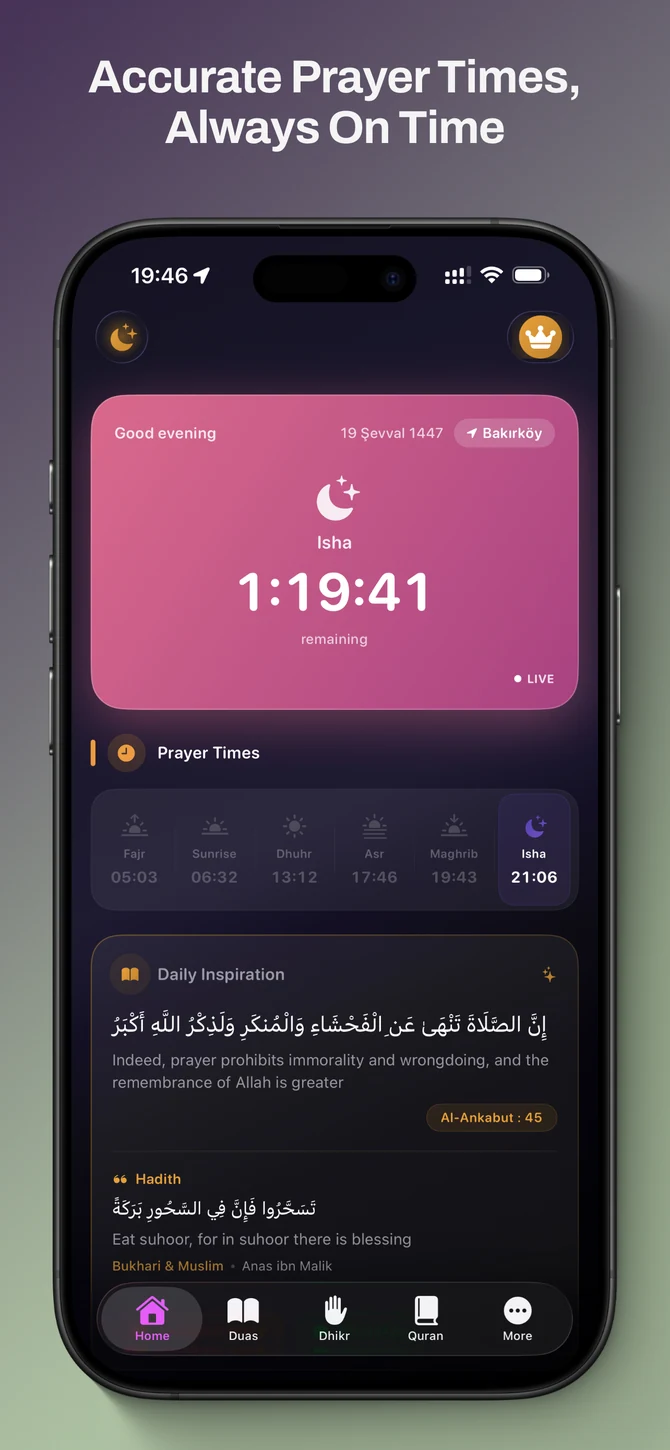
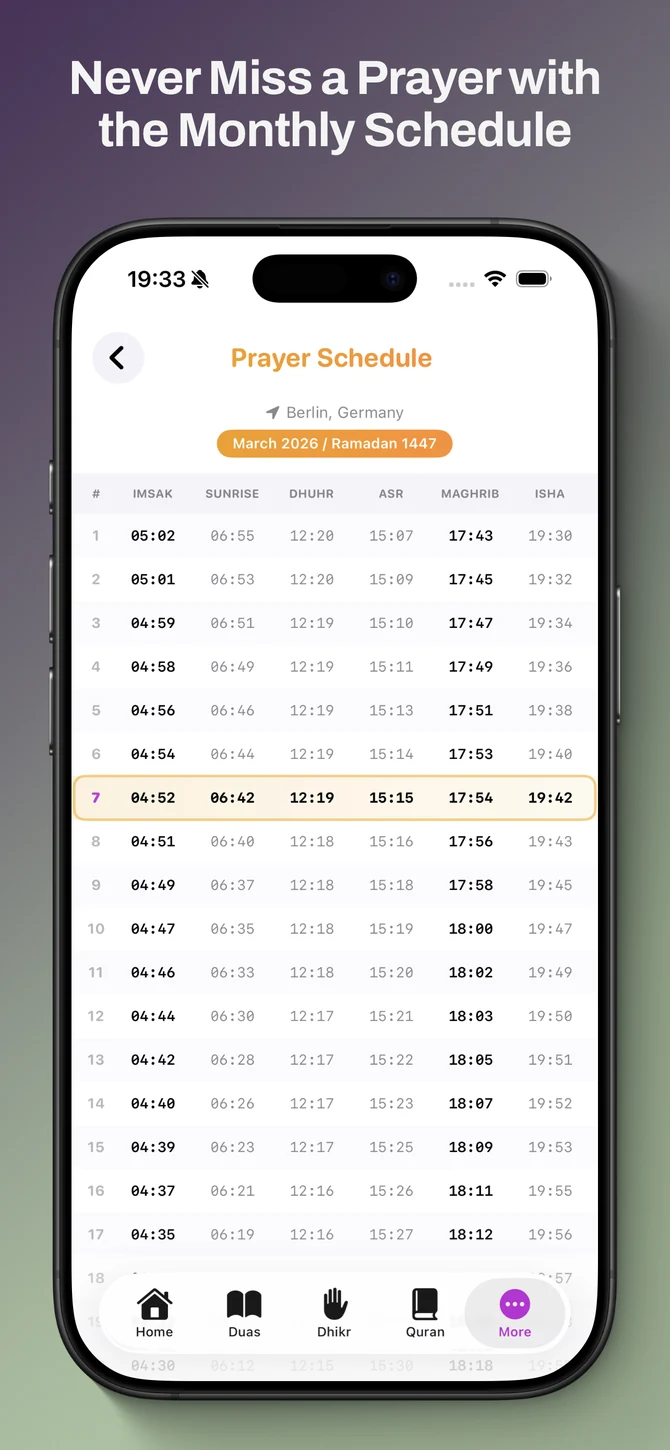
View the next prayer, the monthly schedule and sahur or iftar countdowns. Choose the location and calculation settings you use.
 Taqwa – Smart Assistant
See prayer times for your location, find the Qibla, read and listen to the Quran, and keep track of your own worship routines.

Open the prayer schedule, a passage or a counter when you need it. The app also includes tools for Ramadan and regular worship.
View the next prayer, the monthly schedule and sahur or iftar countdowns. Choose the location and calculation settings you use.
Use your location and the device compass to find the direction of the Kaaba. Keep the device away from sources of magnetic interference.
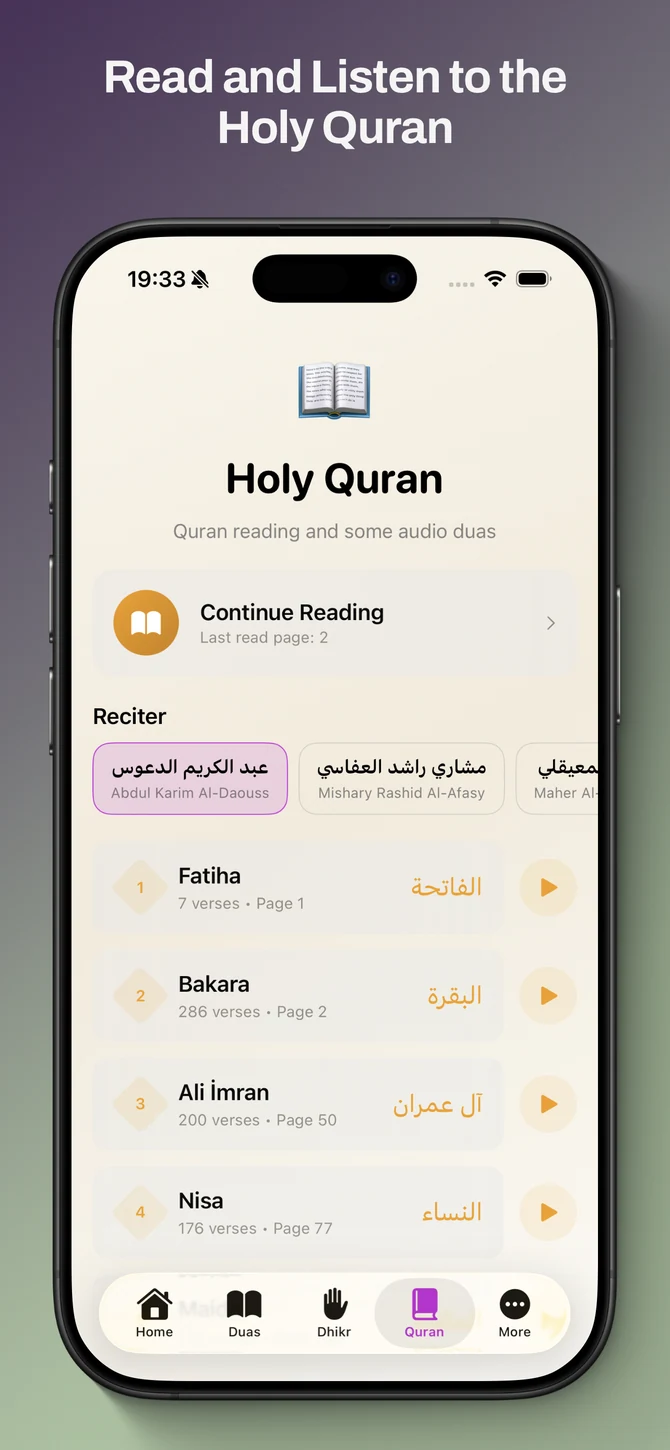
Continue reading, listen to supported reciters and use reading progress to return to a passage.
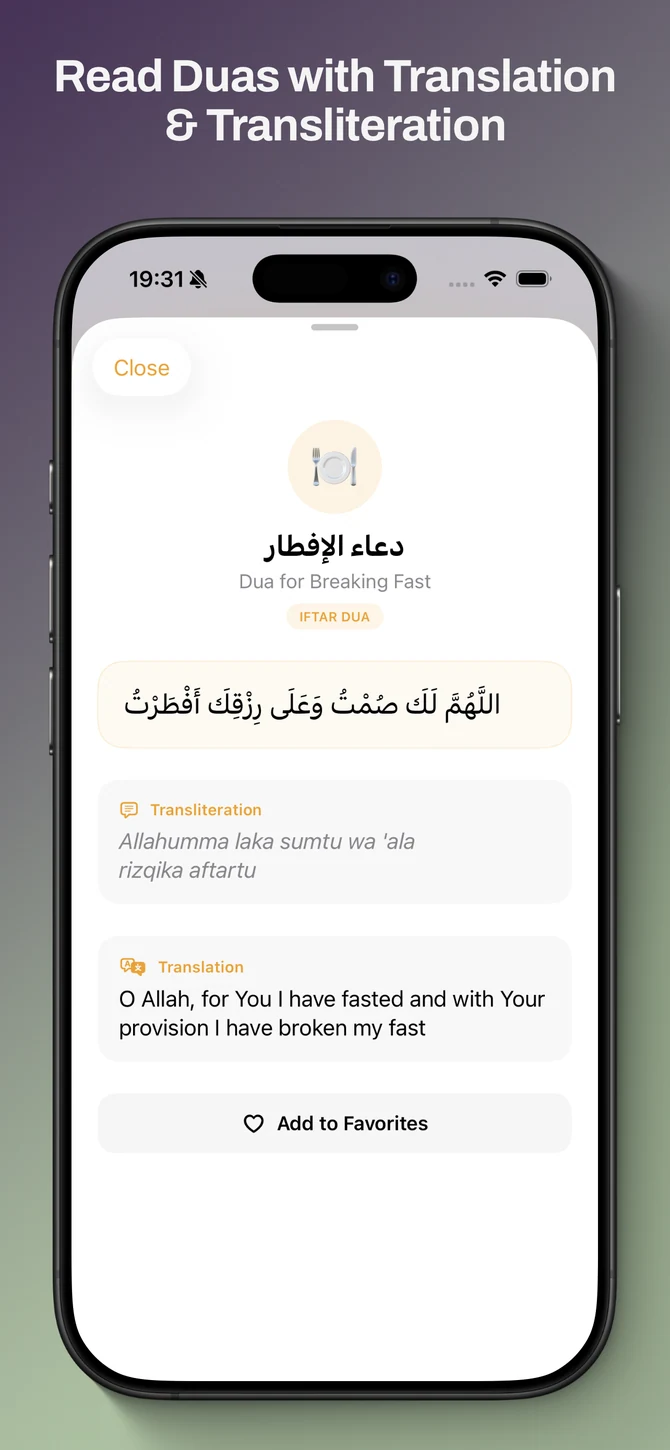
Read supplications with available translation and transliteration. Mark favorites and use the digital counter.
Track prayers, fasting and other activities privately. Use the tools that suit your routine.
See supported prayer times in widgets or the companion watch app, and set reminders that work for your day.
Select a city or grant location permission for nearby times.
Open the prayer schedule, Quran reader, dua library or counter.
Use your private records and optional reminders when you want to follow progress.
You can select a city manually. You can also change the calculation method used for your schedule.
It uses available location and heading data. Accuracy can depend on calibration and the environment.
Yes. Adjust the reminder options in the app or turn notifications off in your device settings.
Keep prayer times, reading and dhikr close at hand.
