Destination search and routes
Find a place, view directions and compare supported routes before starting.
 Radar Map & Navigation
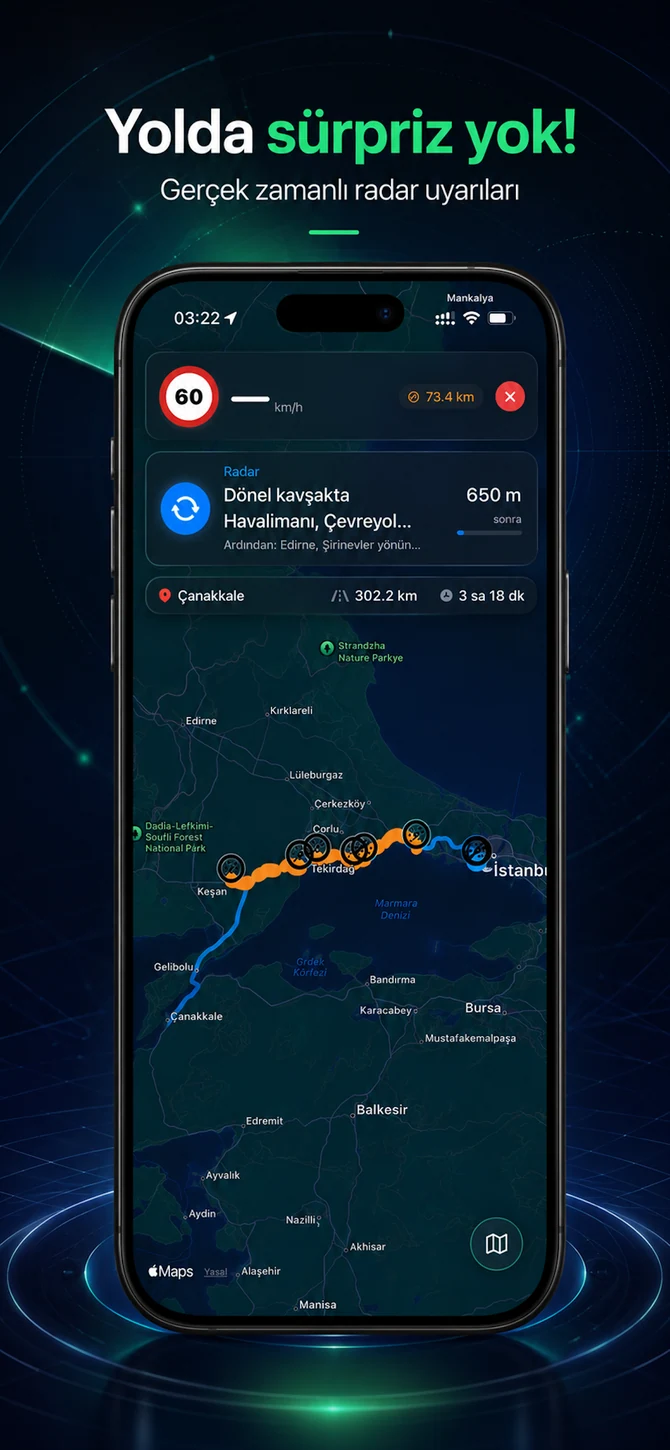
Plan a trip on the map, choose your vehicle type and review available road information, route alerts and speed-limit reminders.

Search a destination, compare routes and set the alerts you want to hear or see.
Find a place, view directions and compare supported routes before starting.
Review available map and route data for posted-limit context and reported control points. Follow signs and current road conditions.
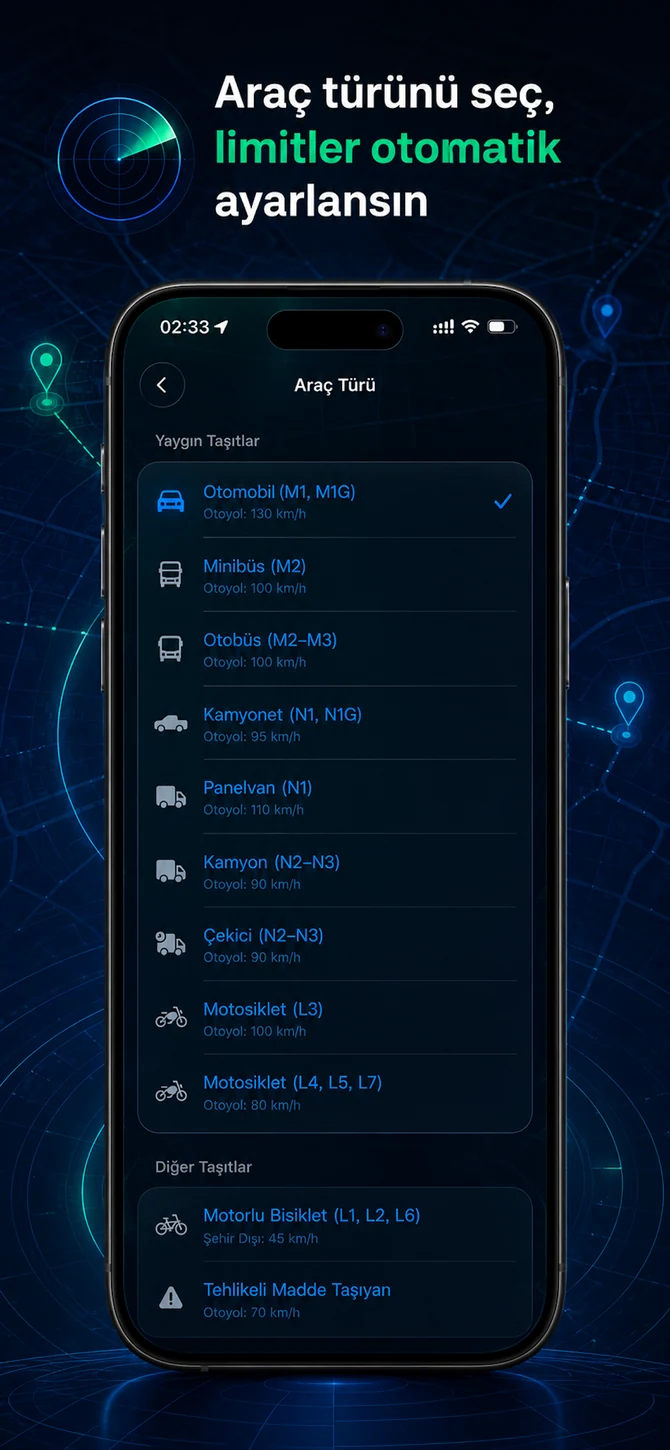
Select the vehicle category you use to apply supported limit and alert preferences.
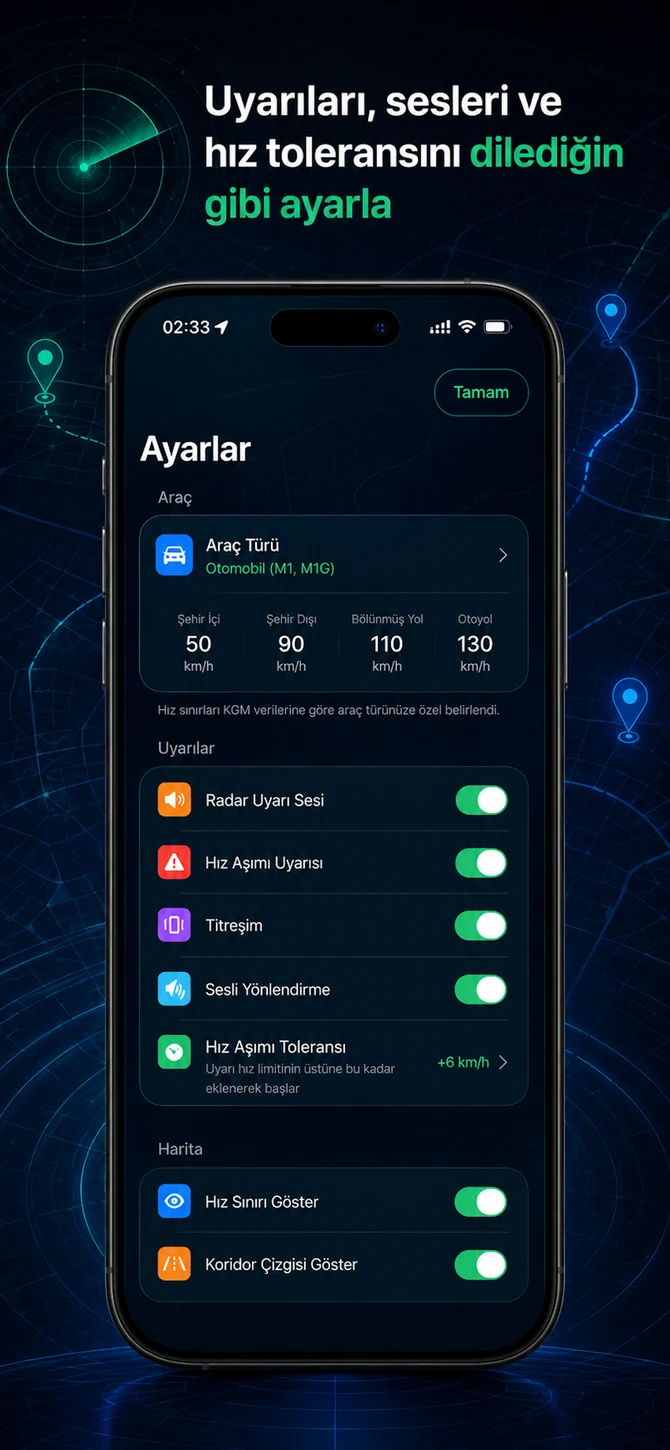
Choose alert sounds, haptics and spoken navigation options. Set preferences before driving.
Return to favorites, see recent searches and review available local trip history. Supported builds include export and CarPlay features.
Search for a destination or open a saved place.
Compare routes, confirm your vehicle type and set alerts before starting.
Use navigation as a reference and follow posted road signs.
No. They depend on source coverage, location accuracy and current road conditions.
You can browse and search with limited access. Position-based navigation and alerts need location permission.
Compatible builds can provide CarPlay access. Availability depends on your device and app access.
Review your route, vehicle preferences and road information in one place.
